
 Tuck
Your apps and notes, tucked to the edge of the screen.
Simple container to store and access your files and data from any window on your PC!
Drag shortcuts straight off your desktop onto the handle to add them, and watch the clutter disappear.
Small footprint, everything at hand
- 01
A drawer for everything
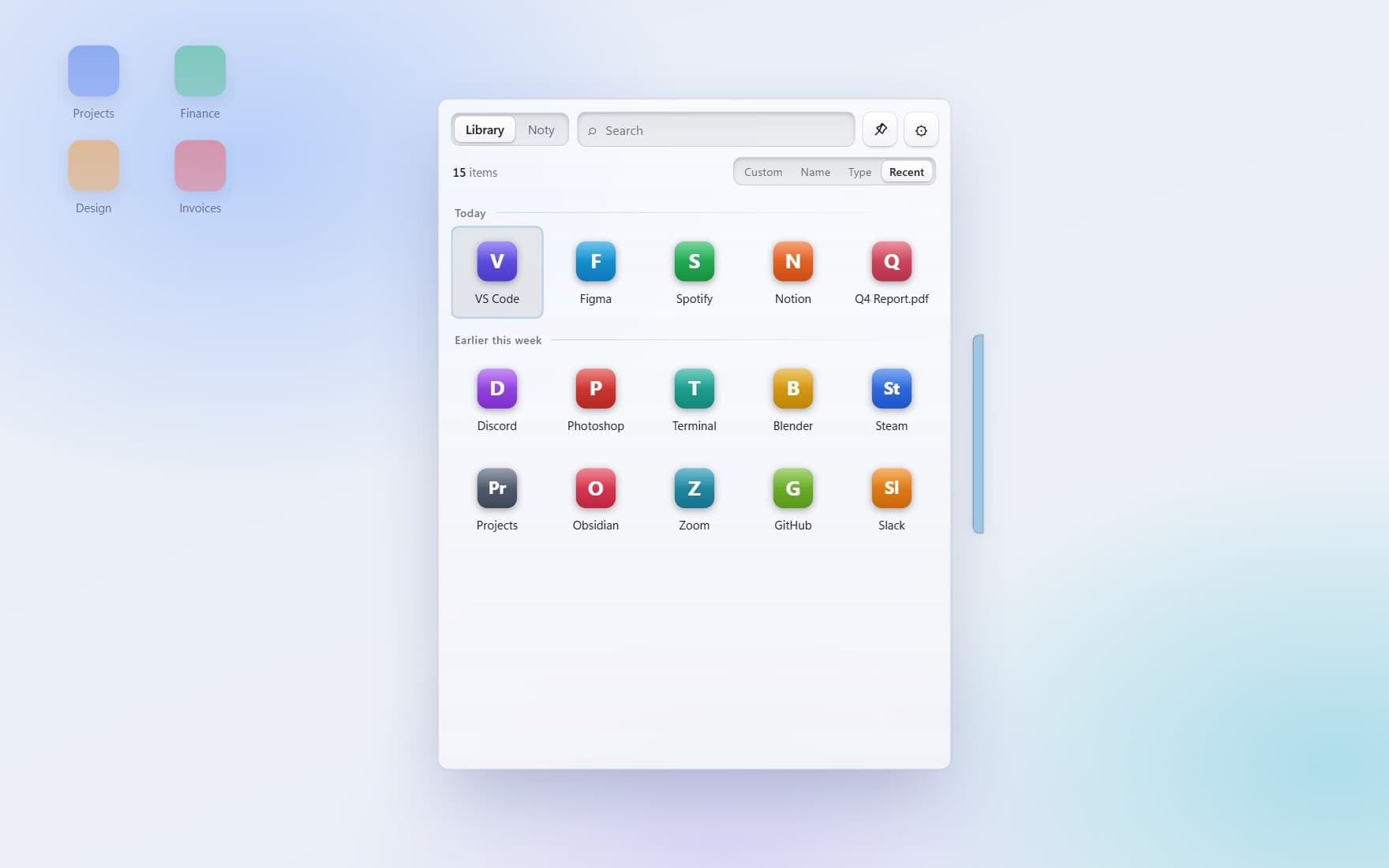
The Library tab is an acrylic tile grid with instant search, grouping and full keyboard navigation. Drag to reorder, pin to keep it open, and right-click for a Windows 11-style menu.
- 02
Notes next to your apps
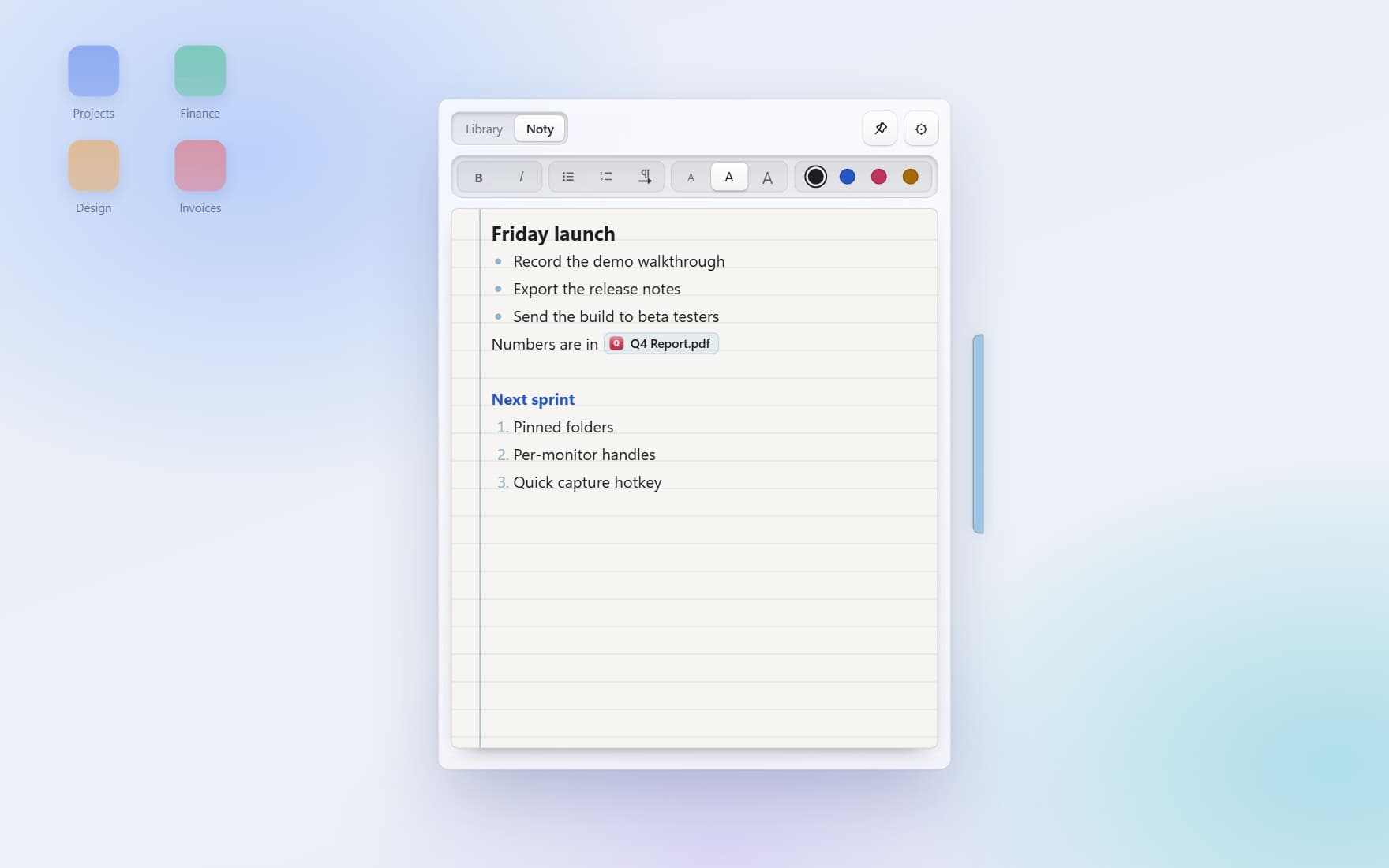
Switch to the Noty tab for quick notes on ruled paper. Lists, ink colours and text sizes are one click away, and everything saves as you type.
- 03
Nothing but a slim handle
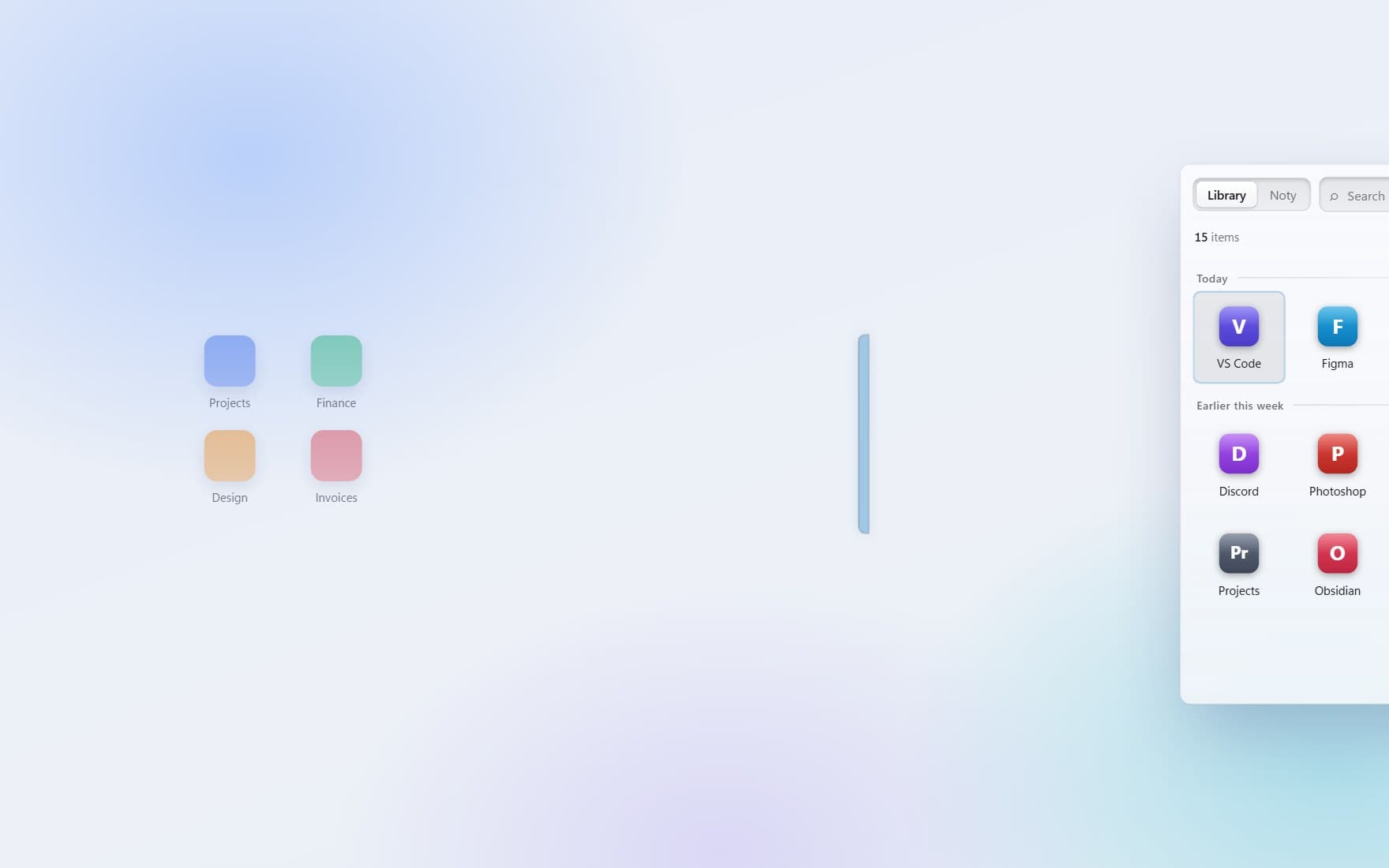
When it's closed, all that's left on screen is a thin bar on the edge. Dock it left, right or top, drag it anywhere along the edge, and its position is remembered.
- 04
Make it yours
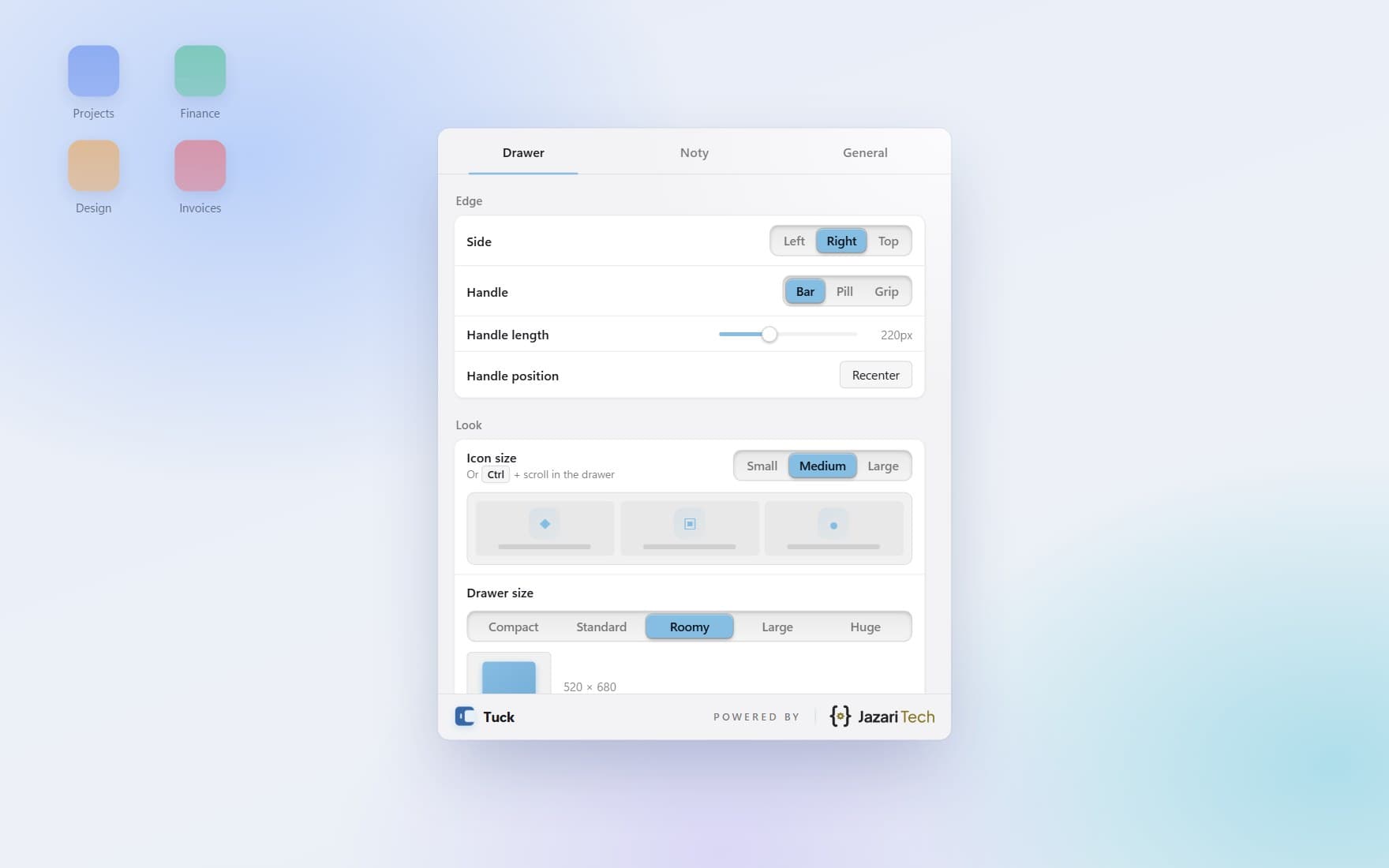
Settings are split into Drawer, Noty and General tabs with live previews. Tune the edge, handle, drawer and icon sizes, then pick a light or dark theme and an accent colour.
Built to free up your personal space!
Drag anything in
Drag and drop any type of file, folder or shortcut to the app bar to add it. Everything moves into a dedicated folder you can access too
Notes in the drawer
Noty keeps quick notes beside your apps, with lists, ink colours, paper themes and right-to-left text. It saves as you type
Three ways to open
Hover the handle, press Ctrl+Alt+Space from anywhere, or click the tray icon
Crisp, cached icons
High-resolution 256px icons pulled straight from each app and cached as PNG, so the grid always looks sharp.
Full keyboard control
Type to search the moment the drawer opens, move with the arrow keys, and launch with Enter
Set up in a minute
A tiny installer gets you running in seconds — no account, no configuration
Updates
Updates are done automatically in the background, and they're super lightweight
Declutter your desktop!
Tuck is a lightweight download for Windows. Reach out and we'll get you an installer.