 Ream
 Ream
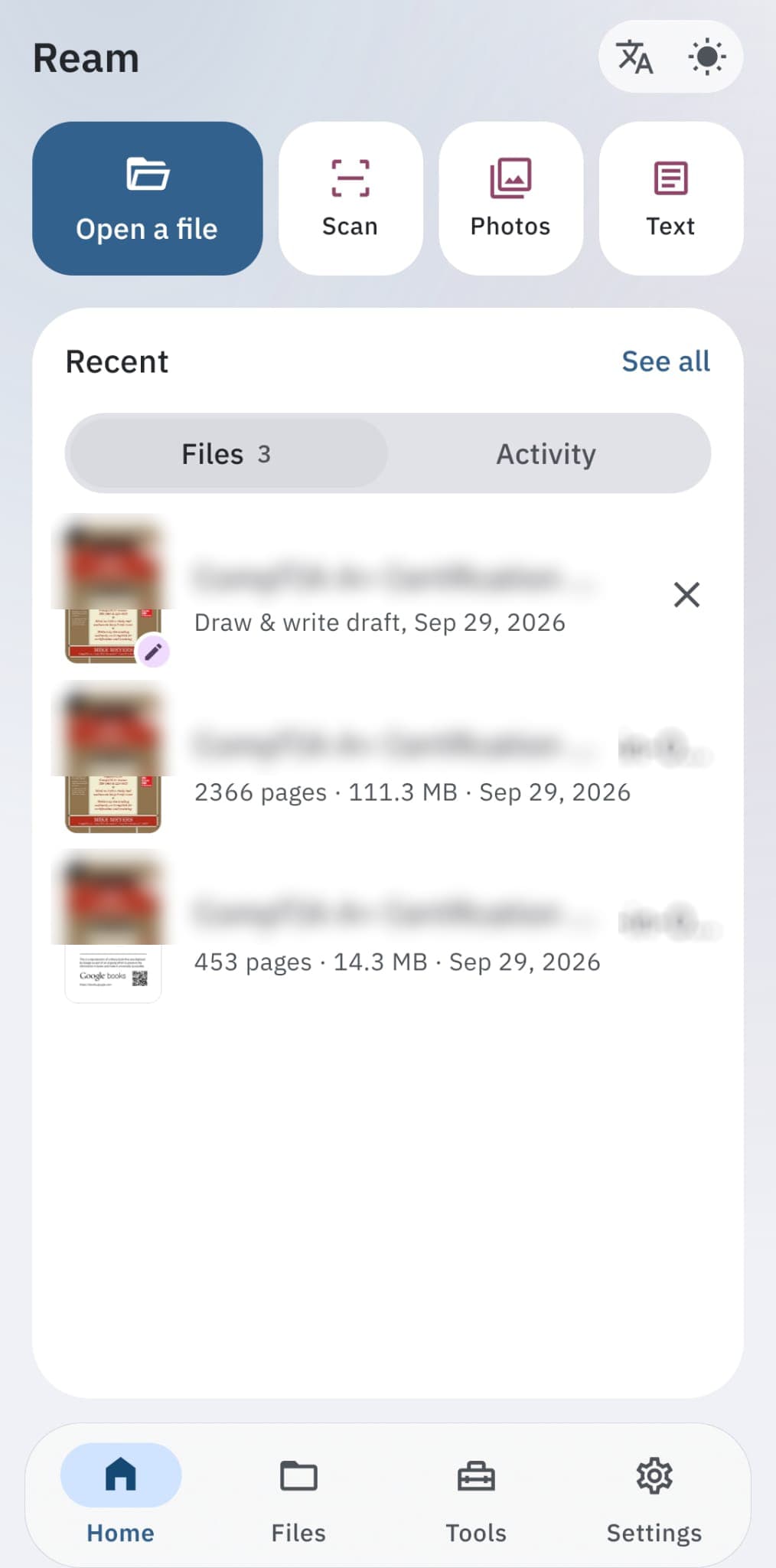
From file to finished, on the phone
- 01
Start with a file
Open a PDF or a few images, or create a new PDF from a scan, your photos or plain text. Recent files are one tap away.
- 02
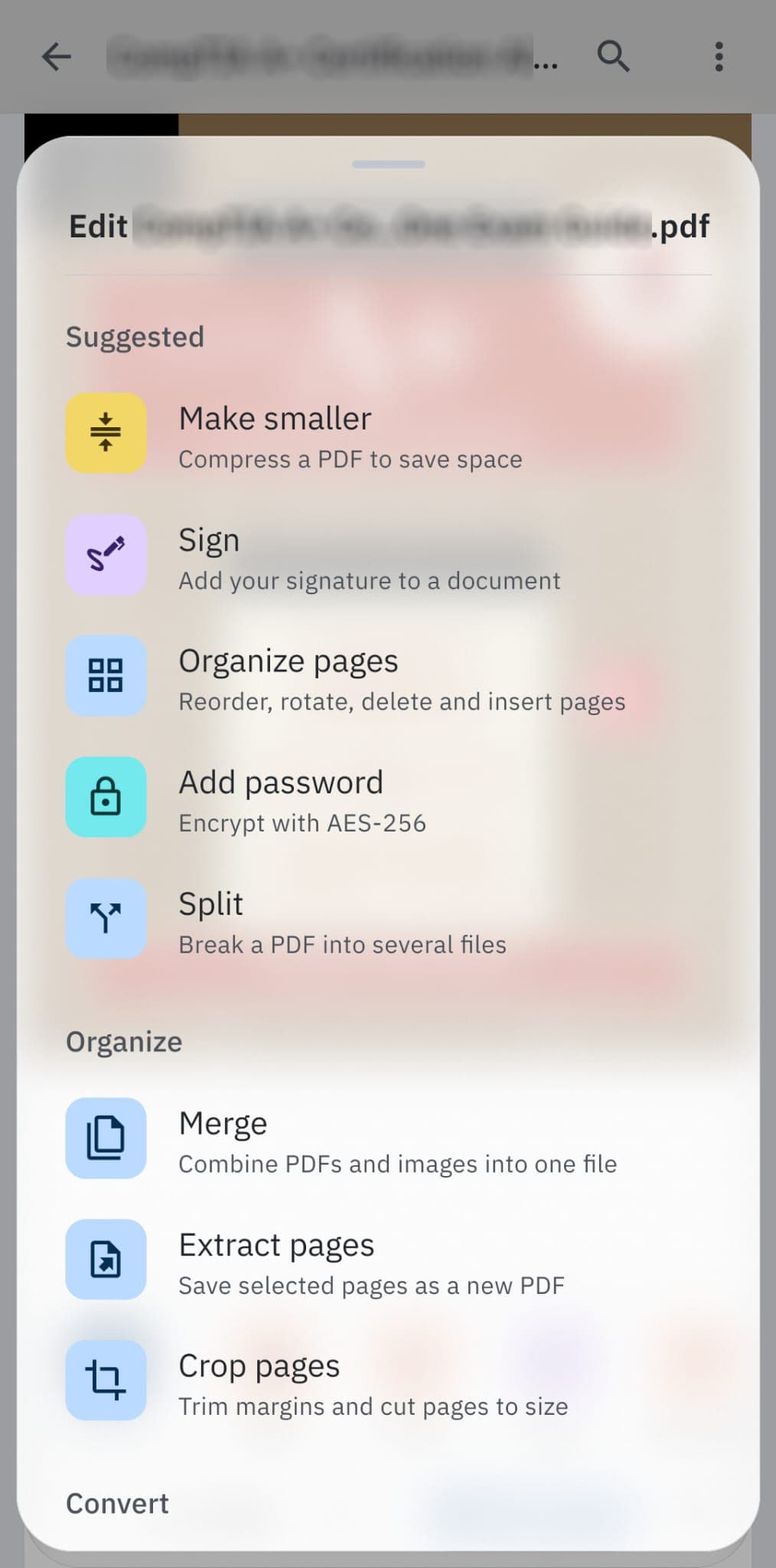
Pick what to do
Ream suggests the tools that fit the file you opened, like making it smaller, signing it or converting it.
- 03
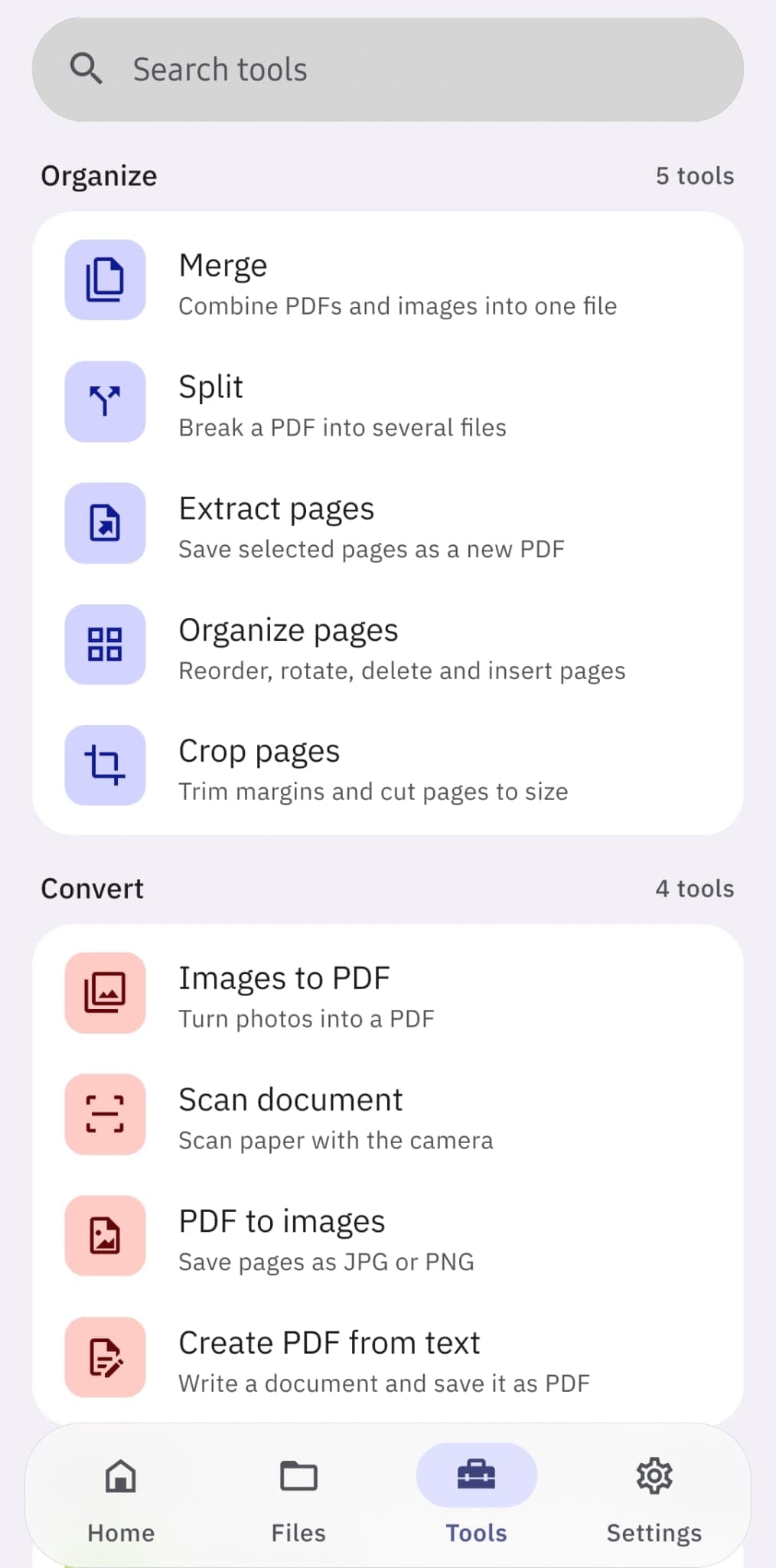
Every tool, grouped
Organize, convert, optimize, protect, sign and edit, each group in its own colour, with search to find any tool fast.
- 04
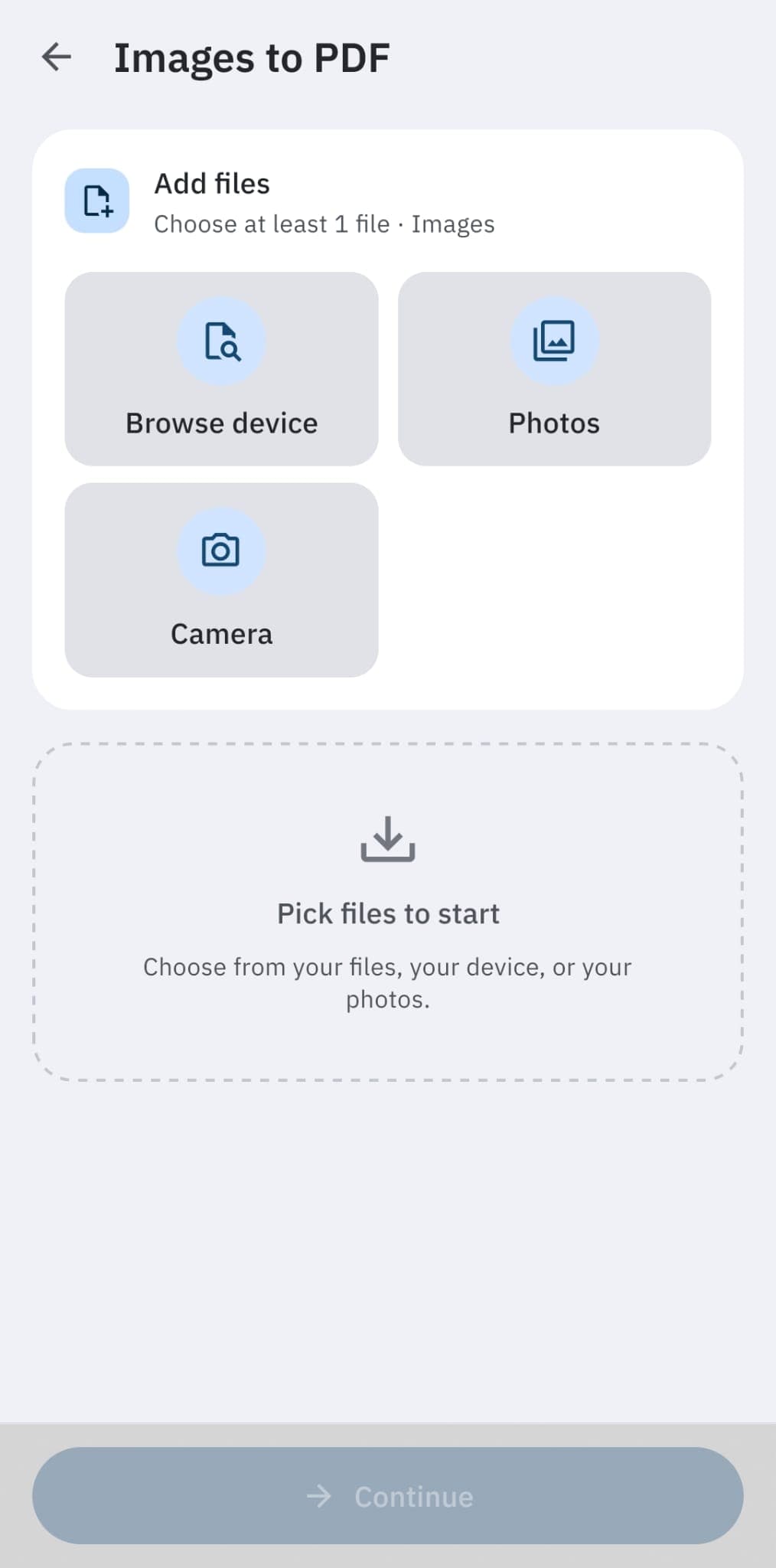
Bring in your pages
Pull files from the phone, pick photos from the gallery or shoot pages with the camera.
- 05
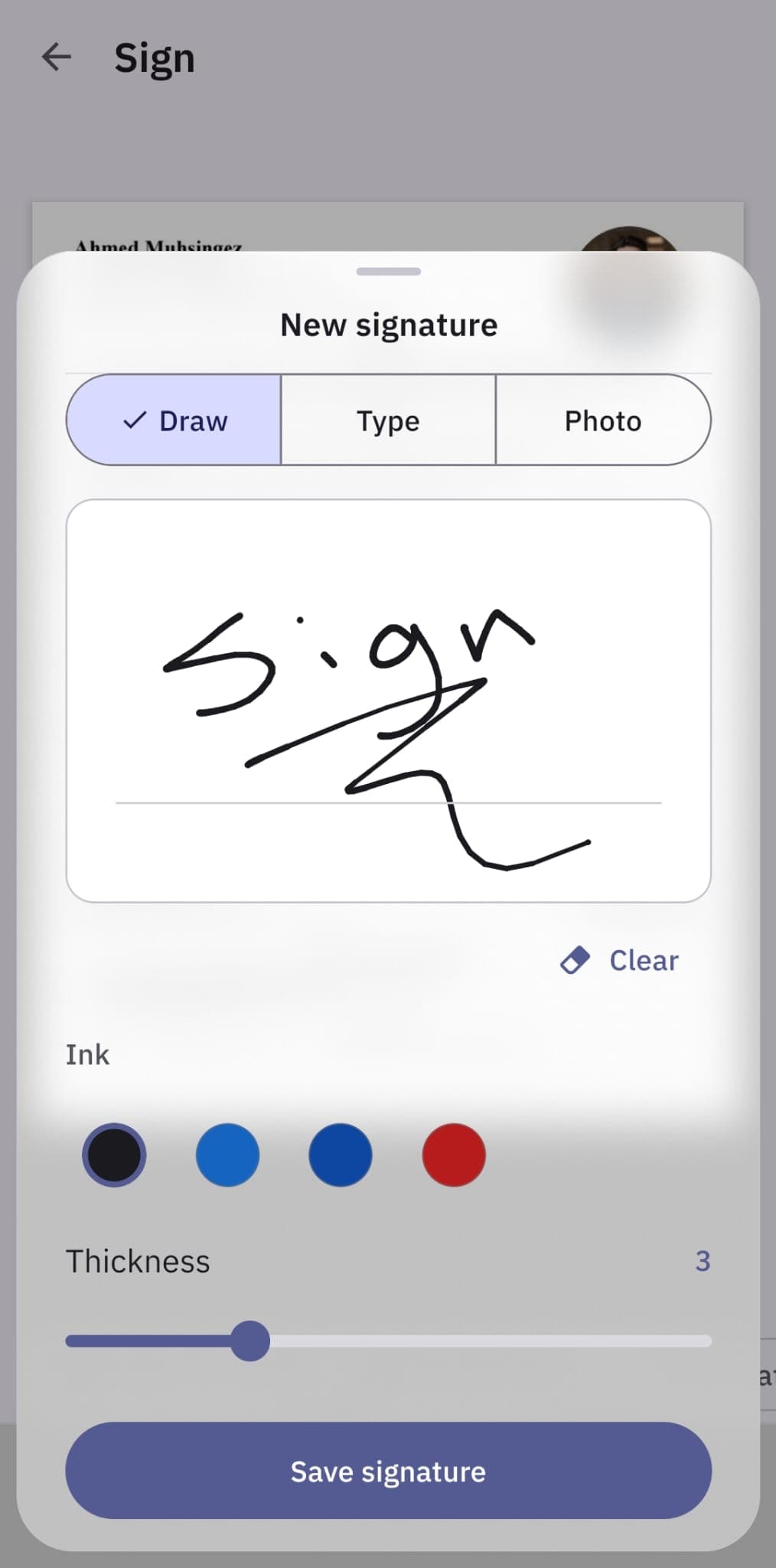
Sign in seconds
Draw, type or photograph your signature, choose the ink and thickness, and save it for next time.
- 06
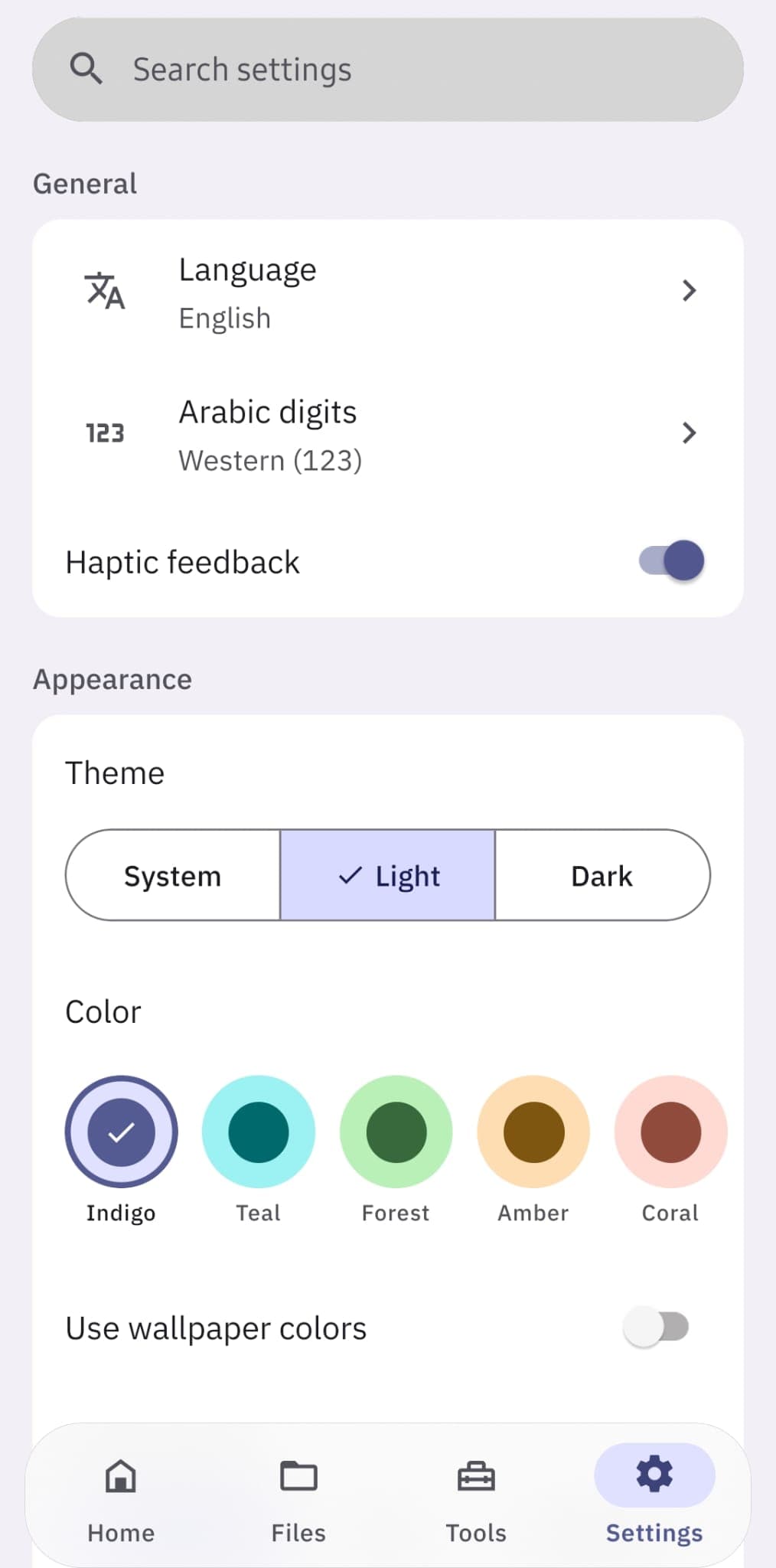
Make it yours
English, Arabic or Turkish, light or dark, and a choice of accent colours, or match your wallpaper.
A full PDF toolkit that works offline
Organize pages
Merge PDFs and images, split files, extract pages, and reorder, rotate, delete or crop them.
Scan and convert
Scan paper with the camera, turn photos into a PDF, save pages as JPG or PNG, or write a new PDF from text.
Sign and fill
Draw or type your signature, fill in PDF forms, and type, tick and date anywhere on a flat form.
Edit and annotate
Add text, images and stamps, highlight and draw, and add watermarks, page numbers, headers and footers.
Smaller and safer
Make files smaller to save space and strip hidden metadata before you share them.
Private by design
No uploads, no account, no ads and no tracking. The Android app doesn't even have internet permission, and an app lock keeps it yours.
Changelog
- v0.90.0Latest
- New Tools tab with floating search
- Recent files card on the home screen
- Starts in the phone's language
- Smoother sheets, drawing and keyboard handling
Want early access?
Ream is in private beta on Android. Reach out and we will get you set up.